Tuck
Tuck
A tidy menu bar,
in one click.
Hide the menu bar icons you don’t need. Bring them back in one click.
Coming soon to the Mac App Store For macOS 14 Sonoma and later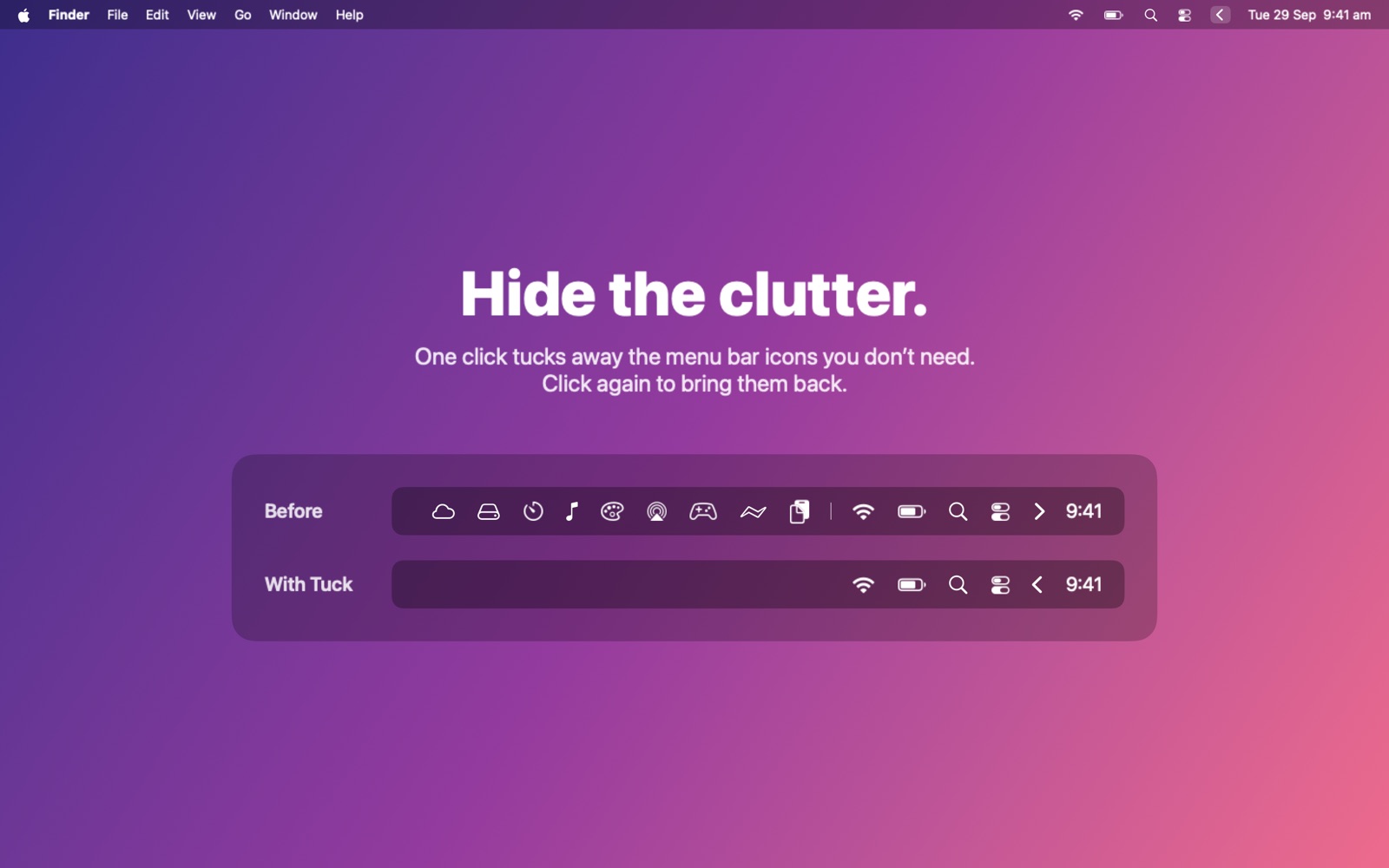
Simple by design
One click
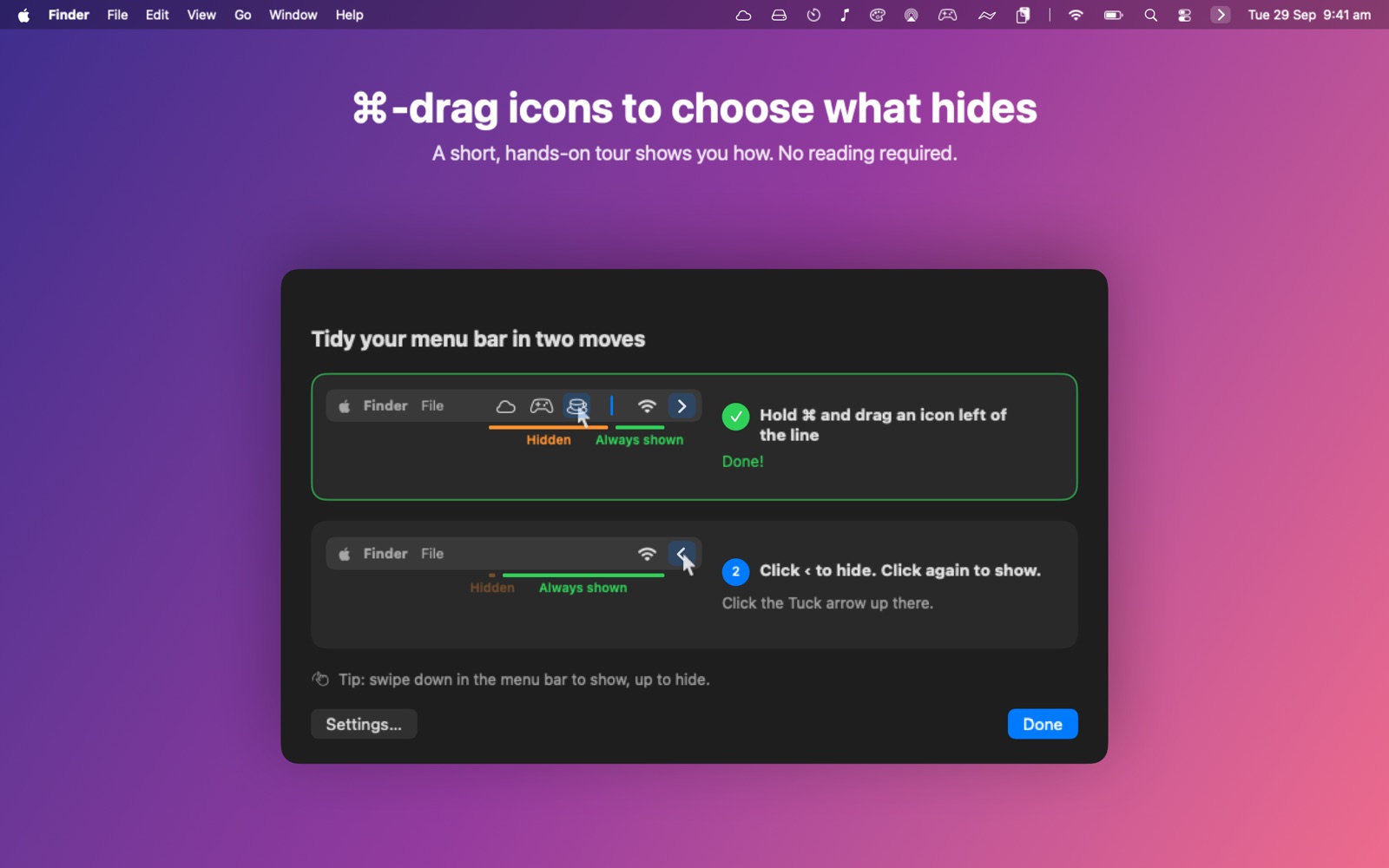
Click the arrow to hide or show.
You choose
⌘-drag icons past the divider to hide them.
Your way
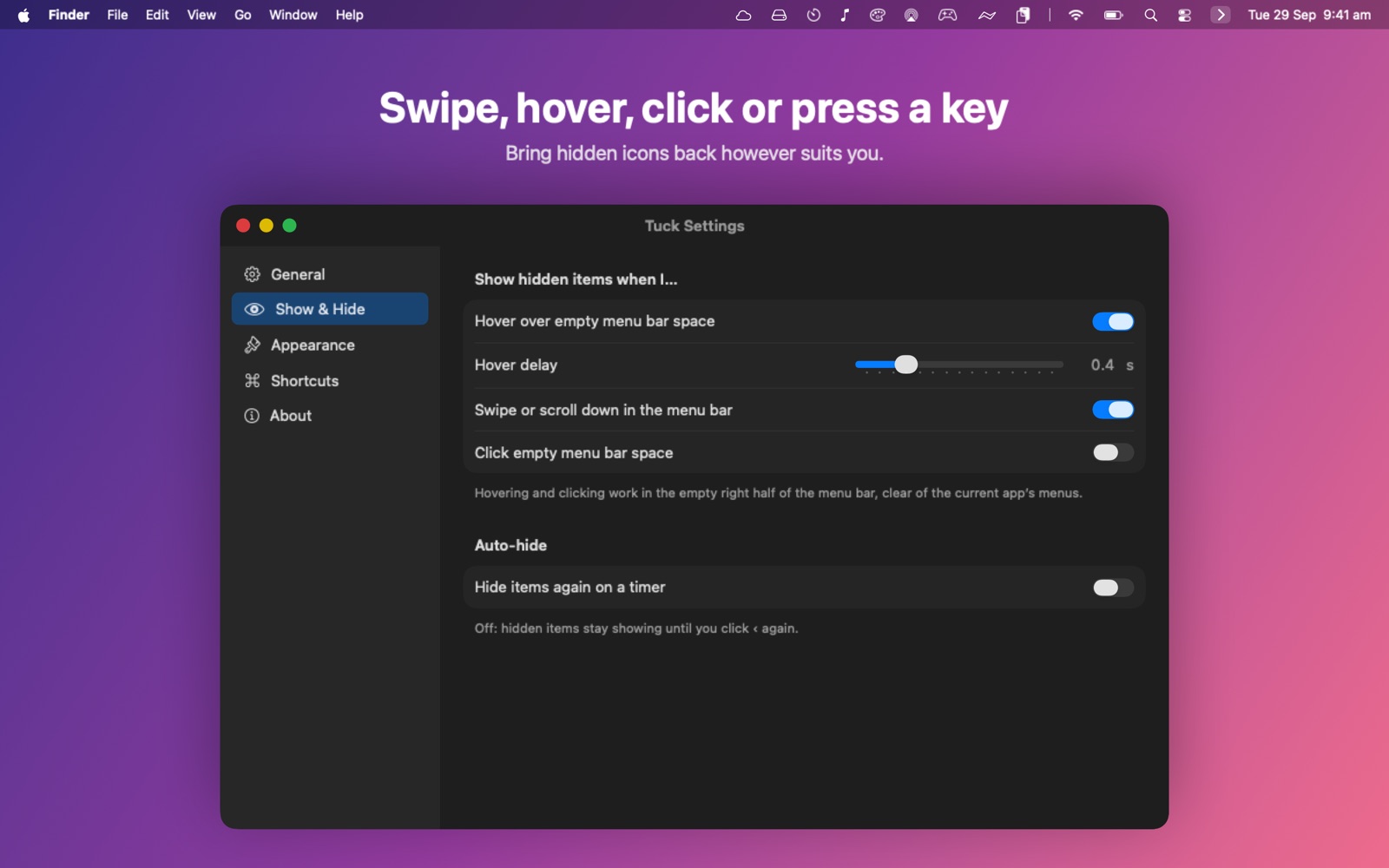
Swipe, hover, click or use a shortcut.
Hidden drawer
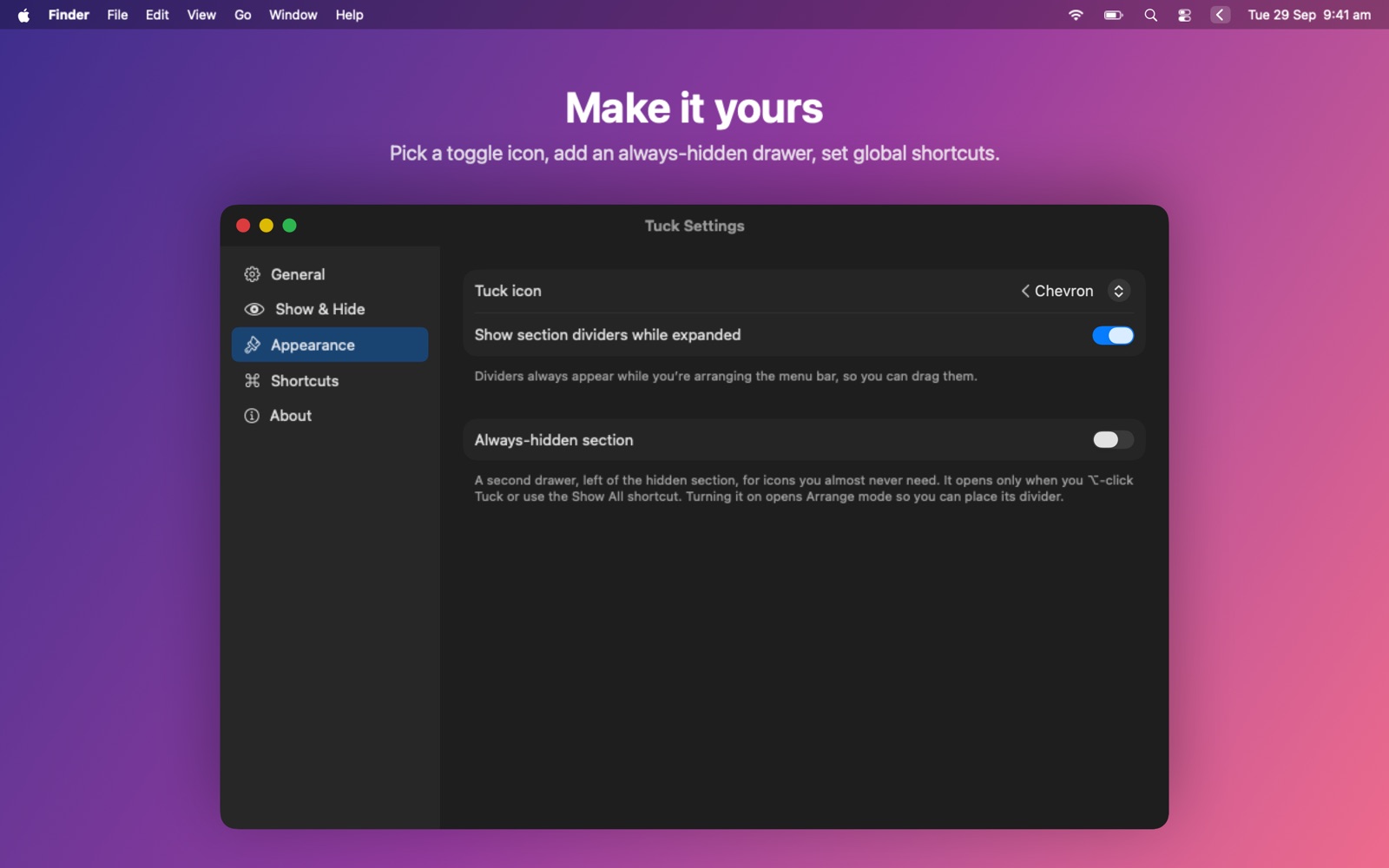
⌥-click for icons you rarely need.
No account. No tracking. No data collected.
Tuck never goes online. Privacy policy
A closer look